
Prevost Community Forums

Find answers, ask questions, and connect with our
Prevost Community around the world.

  • Having trouble posting pictures.

    Posted by Dick on July 16, 2015 at 12:53 pm

    Having trouble posting photo.

    I’m using Google Chrome. The file is a .JPG which I’ve edited to .jpeg. I can see the photo load into the dialog box, but when I click Submit (or whatever should post the photo) nothing happens.

    Admin had given me a link in another thread about posting pictures, but that link is now broken.

    It would be helpful if somewhere in a posting dialog box or in the box for posting pictures there was a list of acceptable file formats and the maximum size limit.

    I think I’m going through all the right procedures. Thanks!
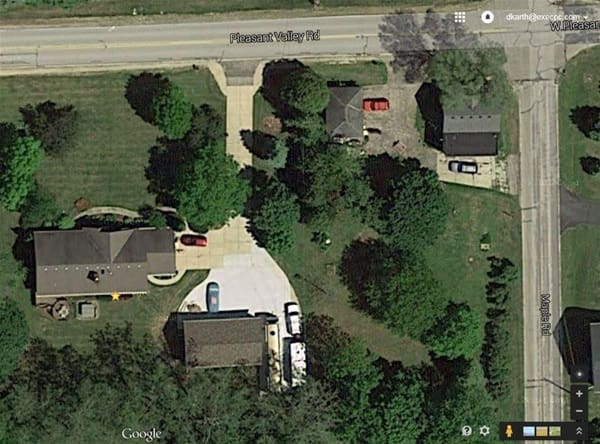
    You can copy this photo Dick and put it where you want as well as delete from this post. The problem was as I suspected, file extension name, 2015 and I assume it’s from Google Earth.

    Tim replied 11 years, 2 months ago 6 Members · 5 Replies
  • 5 Replies
  • Bryan

    Member
    July 16, 2015 at 9:18 pm

    E-mail me the photo, your problem is likely the extension.

  • Archived

    Member
    July 17, 2015 at 12:33 pm

    I tried to post with a file name that takes out “2015”. I changed .jpeg (whcih I had edited from .jpg) back to .jpg. Still can’t post the picture. I can see the picture perfectly in the “Preview” box. But when I click on “OK” it appears nothing happens.

    It did come from Google maps. Is that a problem? I presume that .jpg files are OK.

  • Mike

    Member
    July 17, 2015 at 2:35 pm

    What are you using? Laptop, Apple or Desktop and what browser? The problem is on your end, so if you’re using windows, clear cache. If you use a wrong file extension on our system, it will give you a message. Size doesn’t matter, it will be resized.

  • Brady

    Member
    July 17, 2015 at 3:11 pm

    I had problems posting a picture a few minutes ago! I am using IE browser. I had to remove Prevost Community from (Compatibility View Settings) then the picture uploaded fine! FYI!

  • Tim

    Member
    July 18, 2015 at 9:10 am

    x2 what Mike said

Log in to reply.