Prevost Community Forums

Find answers, ask questions, and connect with our
Prevost Community around the world.

  • iPad Photo Issues Resolved – Hopefully

    Posted by Archived on February 19, 2016 at 6:55 pm

    First, we want to thank everyone for the patience, this Apple Mobile photo upload file problem is wide spread and we think we’ve found a way to solve the problem on our site. We have worked for many hours on the problem and we’re pleased to inform you the dues will not be going up. Well, except for Colt.

    If if your using a mobile device, you’ll notice a change in the editor, Windows folks won’t see any change. When you want to insert a single or multiple pictures, you click the big blue button. You then select your photo’s one at a time and click submit after each selection. You then click on the folder picture, you’ll see the pictures you uploaded, then highlight the photo and click insert. That loads the photo into your post. It sounds like a lot of work, but it’s very quick and easy.

    Would appreciate a few IPad users to give it a try here on this thread. I’m using my IPad Air for this post.

    Archived replied 10 years, 6 months ago 12 Members · 22 Replies
  • 22 Replies
  • AL

    Member
    February 19, 2016 at 9:45 pm

    here it goes

  • Paul

    Member
    February 19, 2016 at 10:25 pm

    testing

    did not work on my ipad2

  • Steve

    Member
    February 19, 2016 at 10:29 pm

    trying again

    Clicked on big blue icon. Selected image, clicked submit, then closed window box and post and no pic.

  • Per

    Member
    February 19, 2016 at 10:46 pm

    I think I got it to work, we will see.
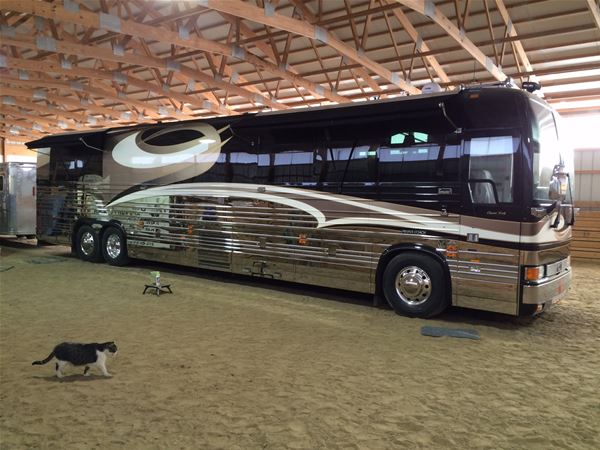
  • Archived

    Member
    February 20, 2016 at 6:05 am

  • Tim

    Member
    February 20, 2016 at 6:13 am

  • Archived

    Member
    February 20, 2016 at 8:01 am

    Thanks guys, looks like we have made progress.

    Greg – You won’t see anythng until you go to the little file looking box, select your pictures one at a time then click insert. Sounds like you missed the last step.

  • Archived

    Member
    February 20, 2016 at 1:37 pm

  • Dave

    Member
    February 20, 2016 at 6:10 pm

    Peter,

    The guy on the right in the Cow Camp picture looks a little suspicious! I would keep an eye on him:)

  • Roger

    Member
    February 20, 2016 at 6:24 pm

    You can now go to the Information & Instruction topic at the bottom of the forum for detailed instructions on how to post photo’s with mobile devices.

  • Archived

    Member
    February 20, 2016 at 9:38 pm

    Alvie I agree he looks like trouble all around !!!!!!!!! LOL

  • Ted

    Member
    February 21, 2016 at 4:11 pm

  • Archived

    Member
    February 22, 2016 at 9:07 am

    Now picture upload is not working on my Windows “Chrome” machine. Had no trouble in the past other than an occasional issue with orientation.

    Tried it again and it worked. Hallelujah!

  • Tim

    Member
    February 22, 2016 at 4:51 pm

    Same here Alvfie,

    Chrome, PC laptop, photo won’t upload. I’m here with the photo wizard in Lakeland so we can discuss.

  • Kirby

    Member
    February 22, 2016 at 5:12 pm

    No problem uploading this photo … The USS Ronald Reagan!

Page 1 of 2

Log in to reply.