
-
Photo upload issue???
Posted by Dean on November 1, 2014 at 1:48 pmI’m having trouble uploading photos today. I go through the process to upload and get as far as seeing the preview but when I click on OK nothing happens after that. I’ve done this many times before so just wondering if anyone else is experiencing trouble.
Mike & Brigitte replied 12 years ago 14 Members · 20 Replies -
20 Replies
-

One consistent problem with that has been to insure you are correctly logged in.
To get on the forum you may be able to get away with not having capitalization for the user name for example, but posting photos is more restrictive and you have to get the upper and lower case correct for both user name and password.
Try to cut and past, and if you still have issues let us know. If needed I can resend your passwoird and user name that the system shows.
-
Jon,
I tried it again. The computer has saved my password since the begining but I re-entered it anyway. Didn’t fix the problem. Just won’t do anything when I click OK. I then tried it on my smartphone and it acted the same way. At first I thought maybe it was an issue with my computer but after having my phone act the same way… That being said if no one else is experiencing this problem then it would seem to be something on my end.
-
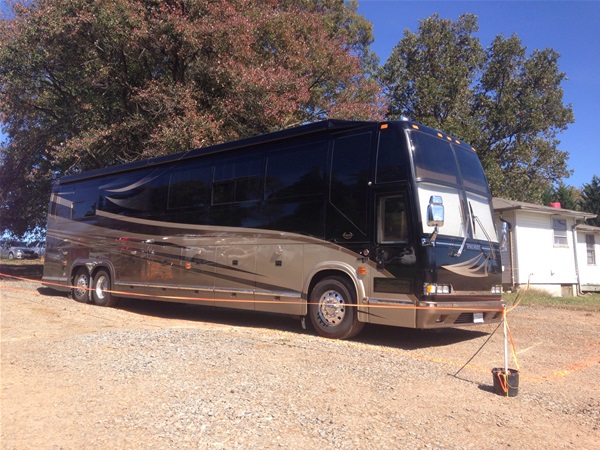
I tried to post pictures of Dean’s bus from my iphone, and couldn’t either.
-
I just tried again from my Samsung tablet and have the same problem.
-
Tom,
I’m running Windows 7 Home Premium on my laptop (a 4 year old Toshiba), My tablet is a Samsung model SM-T310 with the last update being 8/22/14 and my phone is a Samsung Galaxy S4 with current update. I can’t get pixs to load from any of them. I have recently uploaded photos to this web site from all 3 devices.
For what it’s worth at approximately 2pm central time I was successful loading a pic from my tablet. I canceled that post because at the time it was just a test. I imediately got on the lap top and tried to upload and it failed. Same thing, clicking the OK after seeing the preview- nothing happens. Went back to the tablet and tried it again- failed. Tried again on laptop, same issue.
All 3 devices have been shut down and rebooted.
-
Dean,
If you added prevostcommunity.com to the compatibilty mode in tools of IE …that may be your problem as I had to remove the mode in order to upload a picture and then add it back in order to type normally… If this doesn’t make sense to you then you didn’t add it as many of us had to when we had problems typing normally on here… but as soon as I added it then I couldn’t upload a picture so I removed it and could upload a picture but couldn’t type fast and properly… so something is still going on there !!
Just a thought.
Diane



Log in to reply.